Identity Threat Protection
on Mac
Know when your information turns up on the dark web and take corrective action while removing unwanted data broker listings without contacting every site manually.
Know when your information turns up on the dark web and take corrective action while removing unwanted data broker listings without contacting every site manually.


Personal information can keep circulating long after it first leaves your hands. Identity Threat Protection gives you a clearer view of that exposure and a way to act on it.
Choose the details you want monitored, and PureVPN checks the dark web for matching records. Any result shows what was found and the steps worth taking next.
When you appear on data broker and people-search sites, you can send automated opt-out requests and also track their progress from start to finish.
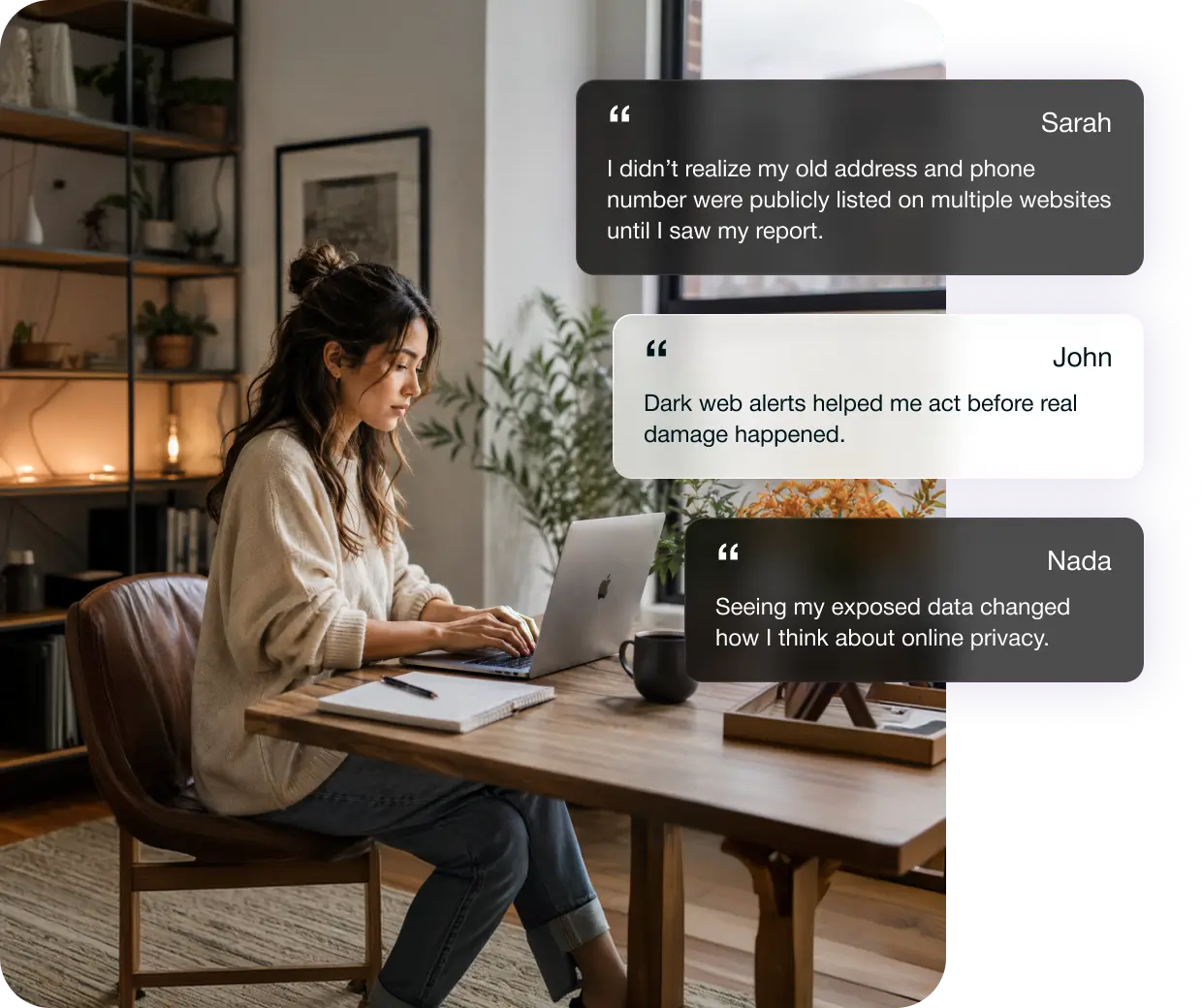
Know when sensitive information tied to you has surfaced.

Choose the identifiers that matter most, from email addresses and phone numbers to credit cards, passport details, and SSN/NIN.

If a monitored detail surfaces, you receive an alert showing what was leaked, where it was found, and which information needs your attention.

Follow recommendations based on the information exposed, with clear next steps to help secure your data and prevent further misuse.
Reduce how much of your details these sites expose.

Find Brokers
Holding Your Info
Provide a few basic details to identify records connected to you across more than 100 data broker and people-search sites.

Authorize Automated
Removal Requests
Approve the opt-out process once, and automated removal requests are sent on your behalf without contacting each site individually.

Track Everything Through
a Dashboard
Follow every request from submission to completion, with clear updates showing what is pending, in progress, or already completed.

The same email address, phone number, and payment details may sit across dozens of client and work accounts. One leak can give attackers several routes into your professional life.

Company records often link an owner’s contact details to the business. Scammers can use them to fake supplier messages, payment requests, or account recovery attempts.

A public profile makes it easier to connect scattered details about your work, location, and personal life. That can lead to impersonation, harassment, or highly targeted scams.

Limiting cookies and tightening app permissions only control new tracking. Old accounts, breach records, and broker profiles can still reveal information shared years ago.
Here are a few more reasons to choose PureVPN.
Get a high-speed VPN, dark web scans, and data removal in a single place, so you do not have to juggle between multiple apps.
You get a full month to see how PureVPN fits into your day-to-day use on Mac before deciding whether to keep it long term.
Questions do not always come up during business hours. Support is available around the clock for help with your account, billing, or the app.
PureVPN has been helping people protect their online privacy since 2007 and is used by more than 3 million of customers worldwide.
You can start using PureVPN Identity Threat Protection on Mac in 3 simple steps:
Download and install the PureVPN Mac app and sign in.

Choose Dark Web Monitoring or Remove My Data.
Enter the required info, review any dark web matches, or authorize data removal.


Yes, a Max plan is needed to access both Dark Web Monitoring and Remove My Data.
For Dark Web Monitoring, we encrypt the identifiers you add instead of storing them in readable form and verifies your identity before revealing breach details. As for Remove My Data, the information you submit is used to locate broker records and send requests you approve.
You can monitor email addresses, phone numbers, credit card numbers without the CVV, passport numbers, and Social Security or national identity numbers.
There is no standard turnaround time because each broker follows its own process. PureVPN repeats unanswered requests every 60 days, and you can follow their progress through the dashboard.
Yes. Identity Threat Protection helps uncover exposed information and manage broker removal requests, but it does not replace unique passwords, multifactor authentication, software updates, or caution around phishing.