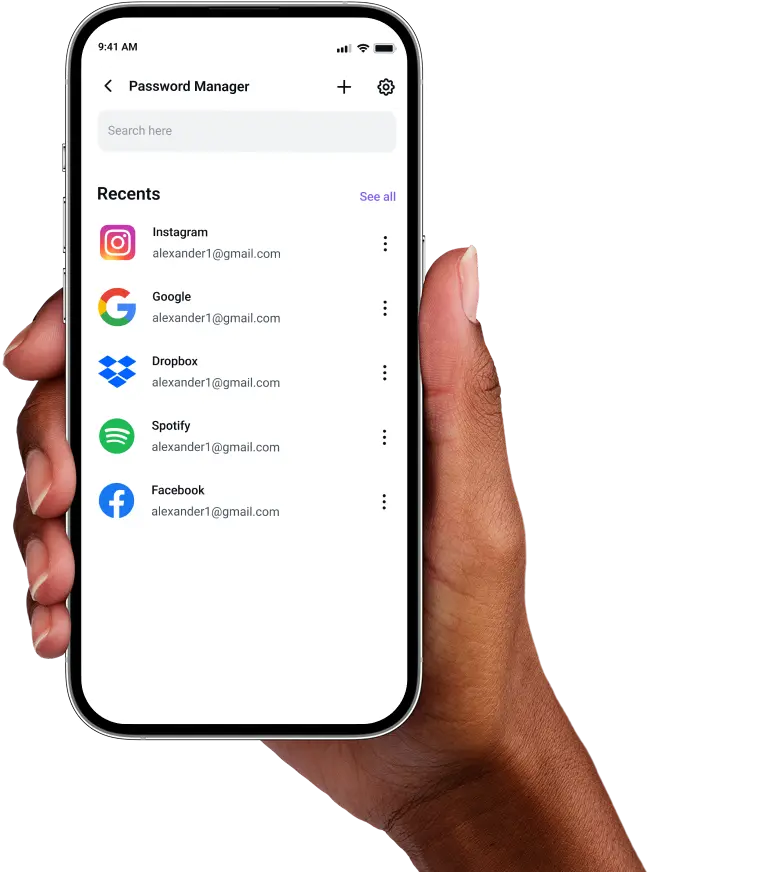
Identity Threat Protection
on Android
Stay aware of dark web exposure and take back control over personal information held by data brokers and people-search sites.
Stay aware of dark web exposure and take back control over personal information held by data brokers and people-search sites.


Personal information does not disappear just because you stop using an old account or service. Identity Threat Protection helps you see where those details may still be showing up. Add the information you want monitored, and PureVPN scans dark web sources for matches. If something turns up, you can see what was exposed and get guidance on what to do next. Your personal data can also end up on data broker sites. We identify where it appears, send out opt-out requests on your behalf, and let you keep an eye on their status.
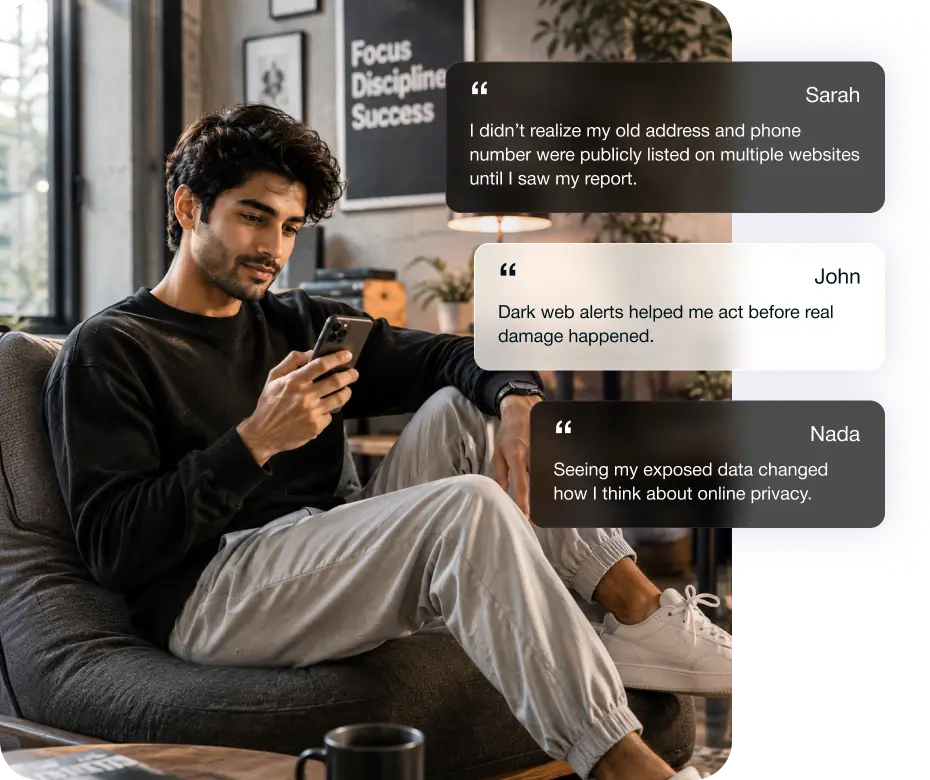
Know when sensitive information tied to you has surfaced.

Tell us which details matter to you, whether that is an email address, phone number, credit card, passport, or SSN/NIN.

No need to keep checking manually. If one of your monitored details is detected, you are notified with context around the finding.

Each finding comes with guidance, so you understand what the exposure means and which steps make sense for the information involved.
Reduce how much of your details these sites expose.

Find Brokers Holding Your Info
See which broker sites have built records around your name, contact details, and other information tied to you.

Authorize Automated Removal Requests
Give the go-ahead once, and opt-out requests are sent on your behalf without making you work through each broker separately.

Track Everything Through a Dashboard
Keep an eye on every request from one place, with clear status updates as brokers respond or complete the removal.

Using the same device for client work, payments, email, and collaboration can tie several accounts back to the same identity. One exposed detail can make the rest easier to target.

Owners often have contact and business details across directories, payment services, supplier accounts, and registrations, which gives scammers more material for convincing fraud.

The more visible your work is, the easier it becomes to connect separate details about you. That can make impersonation, harassment, and targeted scams more convincing.
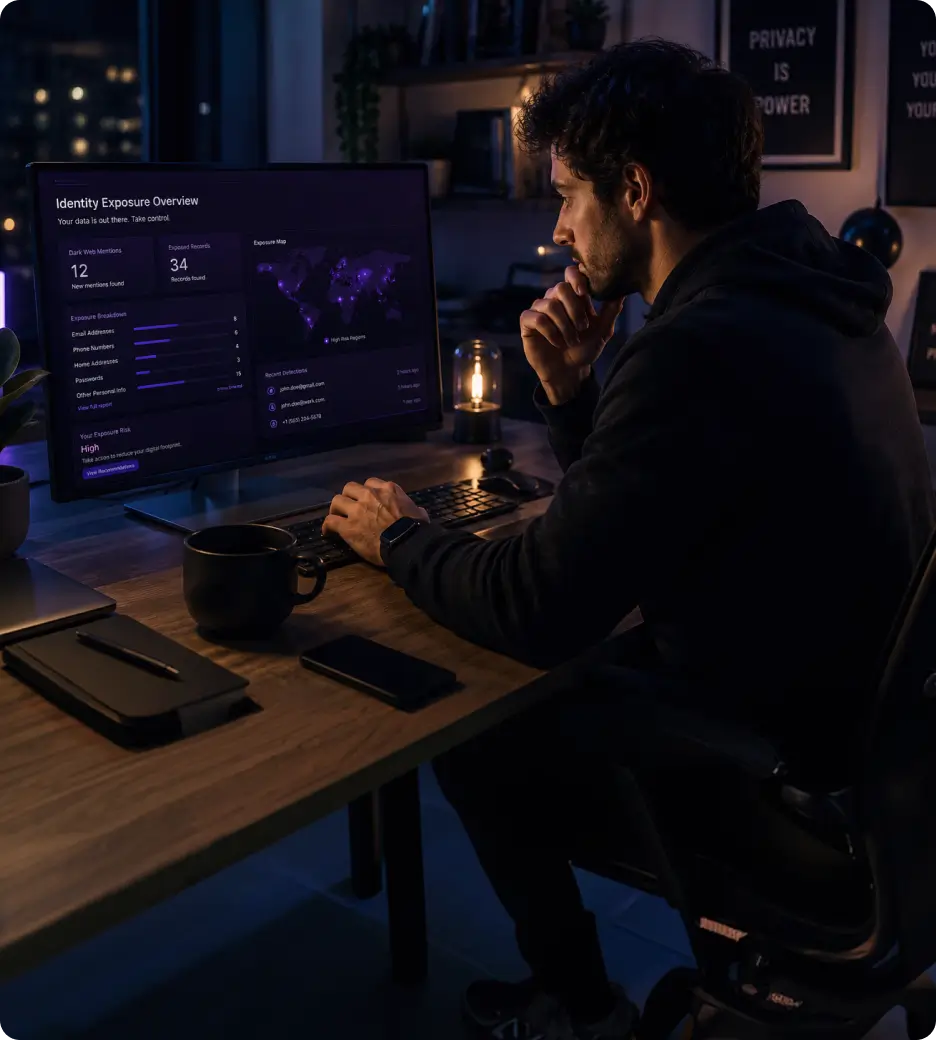
Even careful users cannot control every old account, breach, or broker database. Personal information can remain available long after you stop actively sharing it.
Here are a few more reasons to choose PureVPN.
A VPN protects your connection, Dark Web Monitoring watches for exposed personal data, while Remove My Data tackles information sitting with data brokers.
You do not have to decide from a feature list alone. The 31-day guarantee gives you time to see how PureVPN works in everyday use.
Getting stuck does not mean waiting until the next working day. There is always someone available to help you sort out an account, billing, or app issue.
PureVPN has spent nearly two decades serving privacy-conscious users, growing from its 2007 launch to more than 3 million users worldwide today.
You can start using PureVPN Identity Threat Protection on Android in 3 simple steps:
Download and install the PureVPN Windows app and sign in.

Tap Identity and choose Dark Web Monitoring or Remove My Data.
Enter the required info, review any dark web matches, or authorize data removal.


Max is the plan that gives you the complete Identity Threat Protection feature set, including full Dark Web Monitoring and Remove My Data.
Dark Web Monitoring and Remove My Data use your information differently. Monitoring details are encrypted rather than kept in readable form, while Remove My Data needs the information you provide to search for matching broker records and send requests you authorize.
Monitoring goes beyond your email address. You can also add phone numbers, credit card numbers without the CVV, passport numbers, and SSN/NIN or other supported national identity numbers.
The timeline depends on the broker, not PureVPN. Some process opt-outs faster than others. If a request receives no response, it can be sent again after 60 days, with its status visible in the dashboard.
Identity Threat Protection deals with information that has already been exposed or collected by brokers. Account security still matters, so use unique passwords, enable MFA, install updates, and be careful with phishing attempts.