
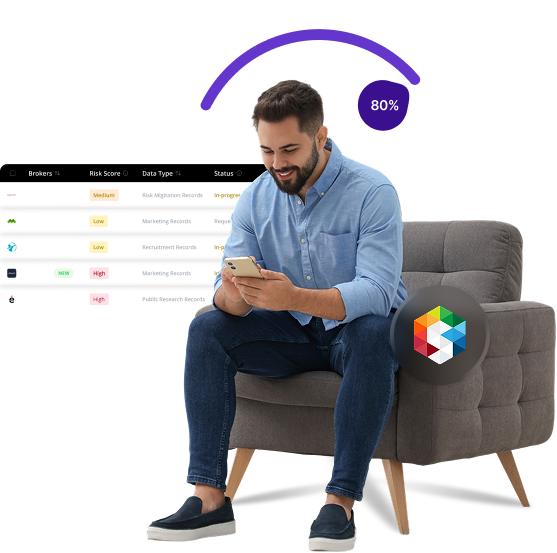


What is Smart Background checks
SmartBackgroundChecks is a digital screening service that compiles public records, social media information, and various data points to create comprehensive background reports on individuals. These reports are often used by employers, landlords, and even individuals looking to verify someone’s history or credentials.
Send Recurring Data Removal Requests
PureVPN empowers you to manage your privacy, keeps you secure and helps you enjoy online freedom.
Automate
Your Information Removal
PureVPN empowers you to manage your privacy, keeps you secure and helps you enjoy online freedom.
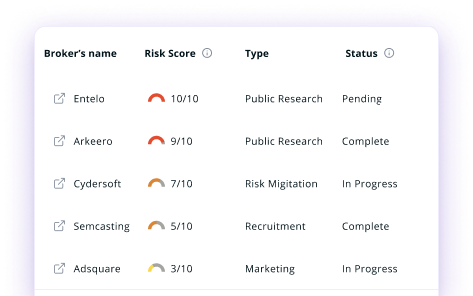

Manage Your Privacy
Minimize Data Exposure
Avoid Reputation Damage
Protect your privacy on multiple platforms from scammers, hackers, and surveillance.
How to Opt-Out of Smart Background checks With PureVPN
Step 1

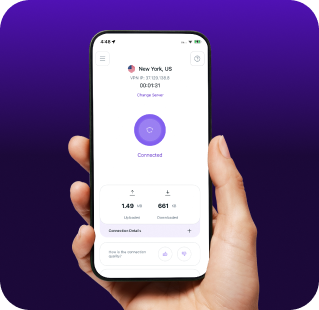
Subscribe to PureVPN and download our app.
Step 2
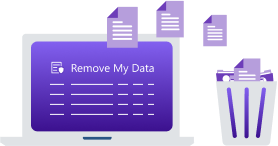
Start removing your data using the Remove My Data feature.
Step 3
Avoid data theft monitoring, and online tracking in future!

Types of Data SmartBackgroundChecks Collects
Personal Data
SmartBackgroundChecks gathers your name, address history, phone numbers, email addresses, and date of birth from public records. It also collects information about your relatives, associates, and neighbors to build a complete profile.

Public Records
SmartBackgroundCheck compiles your criminal records, court filings, marriage and divorce records, and professional licenses. It tracks property records, bankruptcies, tax liens, and judgments to assess your financial standing.

Employment and Education Data
SmartBackgroundChecks accumulates your work history, job titles, employment dates, and education credentials. This information is often verified through direct contact with past employers and educational institutions, creating a detailed profile of your professional background.


How Does SmartBackgroundChecks Collect Your Data?
SmartBackgroundChecks gathers data from various external sources, including public records, county courthouses, state and federal databases, and data aggregators. The platform also uses data from social media and professional networking sites. Their algorithms then match and compile this information into a unified report about you.


How to Opt-Out of Smart Background checks Manually
- Go to the SmartBackgroundChecks website and find the “Privacy Policy” or “Opt-Out” section (if available) or contact their support for removal instructions.
- Fill out the form with your full name, current and previous addresses, phone number, and email address.
- Some requests may require proof of identity, like a driver's license or state ID (with sensitive details redacted).
- Submit the form and note the confirmation number or reference ID for your removal request.
- If your information is still visible, follow up after 30 days. Background check sites may require multiple requests for full removal.
Step-by-Step Guide to Manually Opting Out of SmartBackgroundChecks

Frequently Asked Questions
Read on to find answers to frequently asked questions about PureVPN
What are the benefits of SmartBackgroundChecks opt-out?


By opting out of SmartBackgroundChecks, you can limit the availability of your personal data to strangers, decrease your risk of identity theft, and gain more control over what information is available about you online.
Can SmartBackgroundChecks track me after the data removal request?
Yes, your information can reappear in their database when public records are updated or if new information becomes available. Regular monitoring and repeated opt-out requests are often necessary.
What happens when you freeze SmartBackgroundChecks?
The company will stop displaying your information in their search results and reports. However, they may still maintain your data in their systems, and the information remains in the original public records sources they draw from.
How can I get PureVPN for data removal?
Sign up for PureMax and download the PureVPN app on your device. Next, log into your account and go to the Remove My Data section to start sending deletion requests to over 100 brokers simultaneously, including SmartBackgroundChecks.