
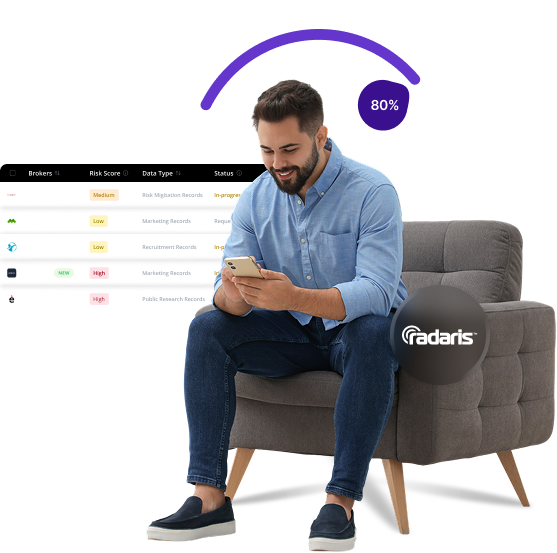


What is Radaris
Radaris is a people search platform that aggregates public records and social media information about individuals. It compiles names, addresses, phone numbers, and background info from various public sources to create detailed personal profiles accessible to anyone online.
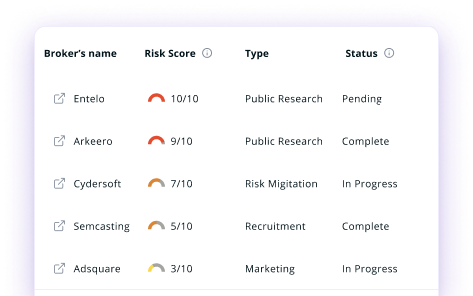
Send Recurring Data Removal Requests
PureVPN empowers you to manage your privacy, keeps you secure and helps you enjoy online freedom.
Automate
Your Information Removal
PureVPN empowers you to manage your privacy, keeps you secure and helps you enjoy online freedom.

Manage Your Privacy
Minimize Data Exposure
Avoid Reputation Damage
Protect your privacy on multiple platforms from scammers, hackers, and surveillance.
How to Opt-Out of Radaris With PureVPN
Step 1

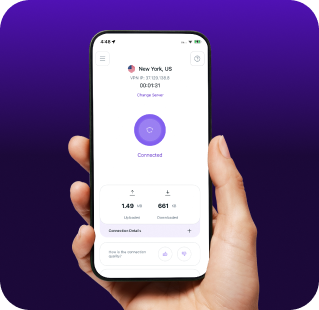
Subscribe to PureVPN and download our app.
Step 2
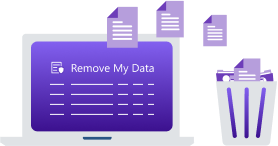
Start removing your data using the Remove My Data feature.
Step 3
Avoid data theft monitoring, and online tracking in future!

Types of Data Radaris Collects
Personal Data
Radaris collects personal details such as your full name, age, date of birth, current and previous addresses, phone numbers, and email addresses. It also includes information about your family connections, marital status, and the names of your relatives.

Public Records
Radaris gathers data from public records, including court records, criminal histories, traffic violations, property ownership information, and marriage or divorce records. It also compiles professional licenses, business affiliations, and voter registration details.

Online Presence
Radaris pulls information from your social media accounts, professional networks, and other online activities. This may include photos, employment history, education details, and other traces of your digital presence, all of which are added to your searchable profile.

How Does Radaris Collect Your Data?
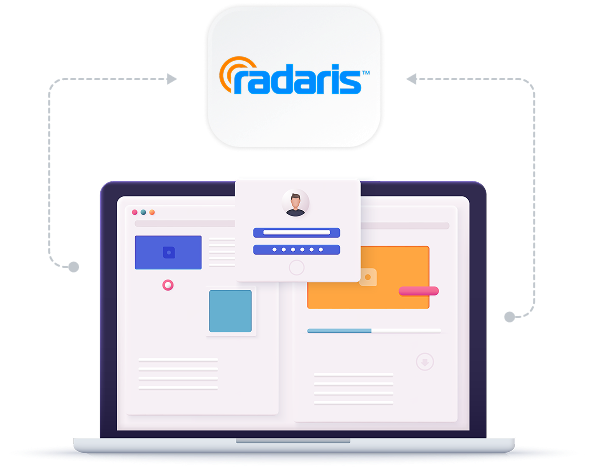
Radaris collects information by scraping publicly available sources, including government records, court documents, property records, and voter registrations. It also gathers information from business directories, professional listings, and social media platforms. By combining these data points, Radaris creates detailed profiles without needing to request your explicit permission.


How to Opt-Out of Radaris Manually
- Go to the Radaris Opt Out page, verify your age, and click “Next”.
- Enter your full name, city, and state to search for your profile. Alternatively, if you have the direct URL of your profile, paste it into the provided field..
- Find your profile in the search results and click “Start Removing”.
- Enter a valid email address, solve the CAPTCHA, and submit the form.
- Check your email for a confirmation message from Radaris. Click the confirmation link to finalize the removal process.
Step-by-Step Guide to Manually Opting Out of Radaris

Frequently Asked Questions
Read on to find answers to frequently asked questions about PureVPN
What are the benefits of Radaris opt-out?


By opting out of Radaris, you can protect your personal information from strangers, reduce the risk of stalking or harassment, minimise identity theft opportunities, and prevent data aggregation that builds detailed profiles about your life and habits.
Can Radaris track me after the data removal request?
Yes. Even after completing the Radaris opt-out process, your information may reappear as the site frequently updates its database with new public records and online information.
What happens when you freeze Radaris?
When you opt out or freeze your profile, Radaris removes your visible listing from public search results. However, the platform may still maintain your information in their database.
How can I get PureVPN for data removal?
Just sign up for a PureMax account. Once done, log into the app, go to the Remove My Data section, and send data removal requests to more than 100 brokers in just a click.