
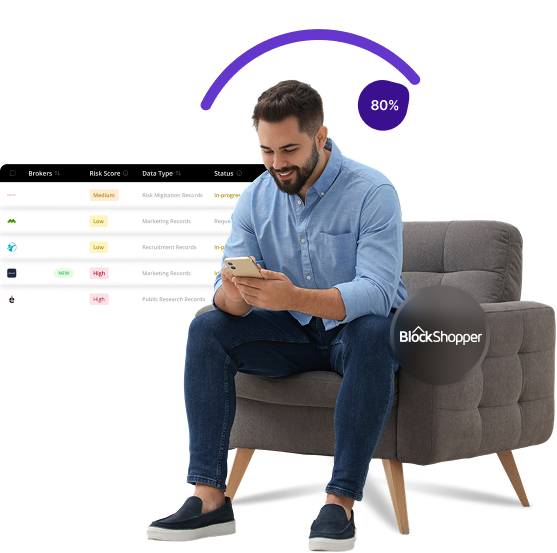


What is BlockShopper
BlockShopper is a real estate information website that publishes details about property transactions, including buyer and seller names, purchase prices, and property photos. It focuses on high-value neighborhoods and often includes personal information about homeowners, such as their occupations and previous addresses, raising privacy concerns for individuals.
Send Recurring Data Removal Requests
PureVPN empowers you to manage your privacy, keeps you secure and helps you enjoy online freedom.
Automate
Your Information Removal
PureVPN empowers you to manage your privacy, keeps you secure and helps you enjoy online freedom.
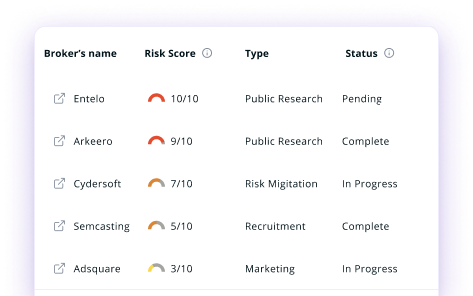
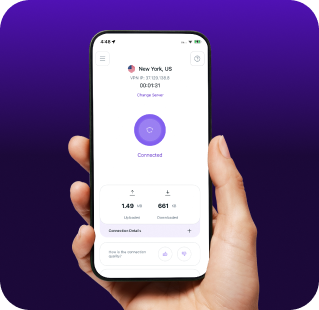

Manage Your Privacy
Minimize Data Exposure
Avoid Reputation Damage
Protect your privacy on multiple platforms from scammers, hackers, and surveillance.
How to Opt-Out of BlockShopper With PureVPN
Step 1

Subscribe to PureVPN and download our app.
Step 2
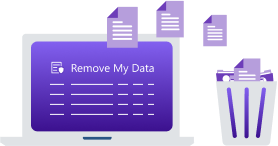
Start removing your data using the Remove My Data feature.
Step 3
Avoid data theft monitoring, and online tracking in future!

Types of Data BlockShopper Collects
Property Data
BlockShopper gathers comprehensive records of your real estate transactions, including purchase prices, sale dates, and property details. The site also catalogs property images, assessments, tax information, and mortgage records that create a detailed profile of your property ownership history.

Consumer Data
Your personal details such as full name, occupation, workplace, professional affiliations, and sometimes even social connections appear on BlockShopper. The site may link to your social media profiles or professional websites, creating a comprehensive personal profile visible to anyone visiting the site.

Insurance Data
While BlockShopper does not collect insurance data directly, the property information it publishes–such as property values, locations, and ownership details—can be used by insurance companies to assess risks and determine insurance premiums.

How Does BlockShopper Collect Your Data?
BlockShopper collects information from public sources like county property transfers, tax assessments, and deed registrations. It also supplements its database with details from professional directories, business registrations, and corporate filings. Additionally, the site scans online sources like news articles, professional websites, and public profiles to build comprehensive listings. By systematically aggregating publicly available information, BlockShopper creates detailed profiles without requiring your consent.


How to Opt-Out of BlockShopper Manually
- Visit the BlockShopper website and locate your listing by searching your name or address.
- At the bottom of the page, find and click on "Privacy Policy" or "Contact Us" section.
- SEnd an email to privacy@blockshopper.com with the subject line "Personal Information Removal Request."
- In your email, include your full name, the URL of your listing, and a clear statement requesting removal of your personal information.
- BlockShopper typically responds within a few days to two weeks. If you don't hear back, follow up after 30 days.
Step-by-Step Guide to Manually Opting Out of BlockShopper

Frequently Asked Questions
Read on to find answers to frequently asked questions about PureVPN
What are the benefits of BlockShopper opt-out?


By opting out of BlockShopper, you can make your home ownership details less accessible to strangers. This improves your security by limiting information available to potential burglars or scammers. It also prevents your personal and professional information from being displayed without your consent, giving you more control over your privacy.
Can BlockShopper track me after the data removal request?
Yes, BlockShopper may collect new information if you make future property transactions. Your data might reappear on the site unless you monitor and submit new removal requests. Public records remain accessible to them through legal channels.
What happens when you freeze BlockShopper?
They will remove your personal information from their public database, meaning your name, professional details, and photos will no longer be visible on their website. However, the property transaction itself may still appear with redacted personal information since those are public records.
How can I get PureVPN for data removal?
Get PureMax, open the PureVPN app, and find the Remove My Data section. Once activated, it will start sending data removal requests to over 100 brokers, including BlockShopper.