An email address can appear in a known data breach without any obvious warning. Details linked to your identity can also turn up in public databases and people-search listings, making it difficult to know what is exposed.
PureVPN offers a free email scan to help you investigate possible exposure. You can receive an exposure report without paying, though some findings remain restricted. So how does the scan work, and what can you see in the results?
What Is PureVPN’s Email Scan?
PureVPN’s email scan checks whether personal information associated with an email address appears in known exposure records. The initial search uses your verified email, while the deeper scan checks public data sources, database matches, and dark web records using additional details you provide.
The results are compiled into an exposure report covering identified breaches, data broker listings, and risk indicators. You can view a summary for free.
How Does PureVPN Email Scan Work?
You start with your email address and verify it before moving on to a deeper search. Here is how the process works:
Step #1: Enter your email address
Visit identity.purevpn.com and enter the email address you want to check.
Step #2: Verify your email
PureVPN sends a six-digit verification code to the email address you entered. Enter the code to confirm ownership and continue with the scan.
Step #3: Complete the initial scan
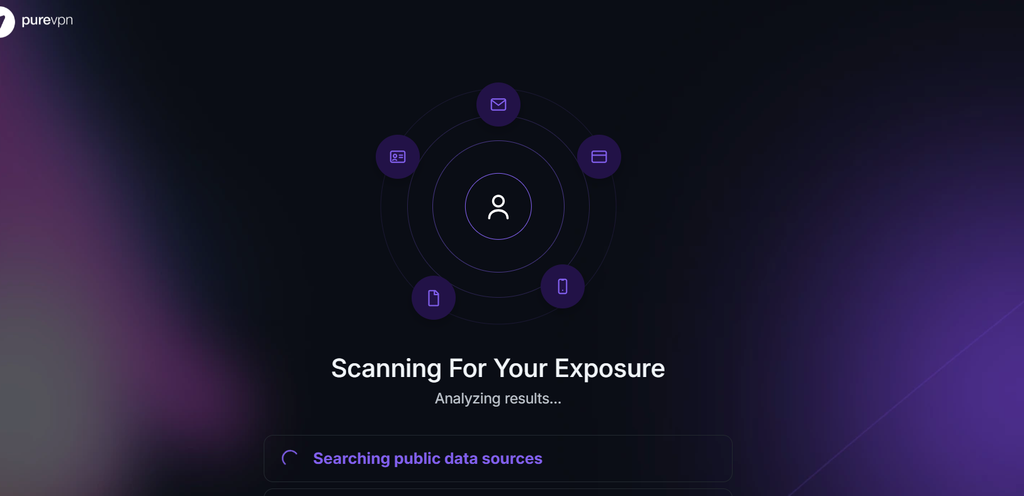
Once your email is verified, PureVPN begins searching public data sources for information associated with that address. After the initial scan, you can proceed to a more detailed search.
Step #4: Provide additional personal details
Enter your first and last names to continue. You can also provide your country and phone number, but these fields are optional. The additional details help PureVPN search for information associated with your identity.
Step #5: Run the deep scan
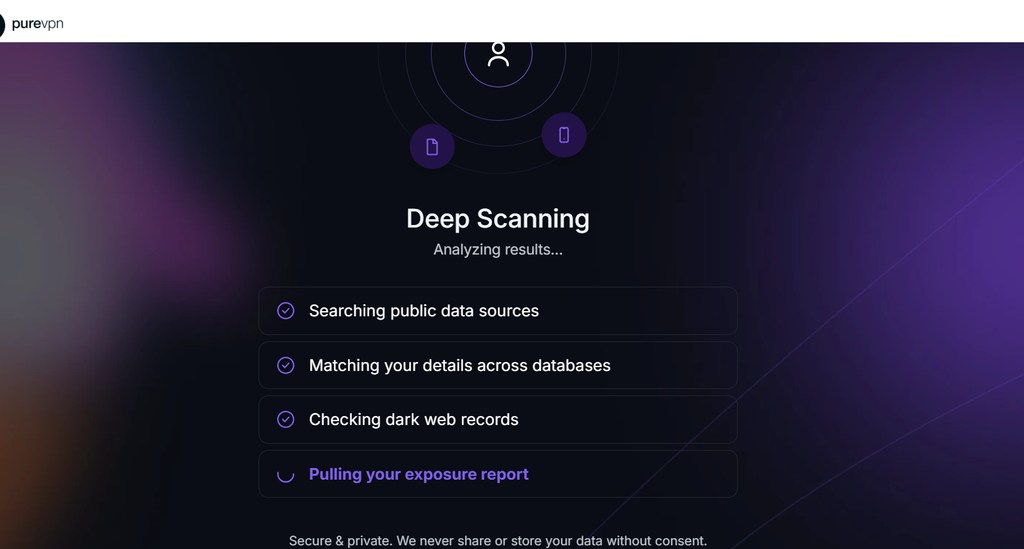
PureVPN searches public data sources, matches your details across databases, and checks dark web records for potential exposure. Once the scan finishes, it compiles the findings into an exposure report for you to review.
What Does Your Exposure Report Show?
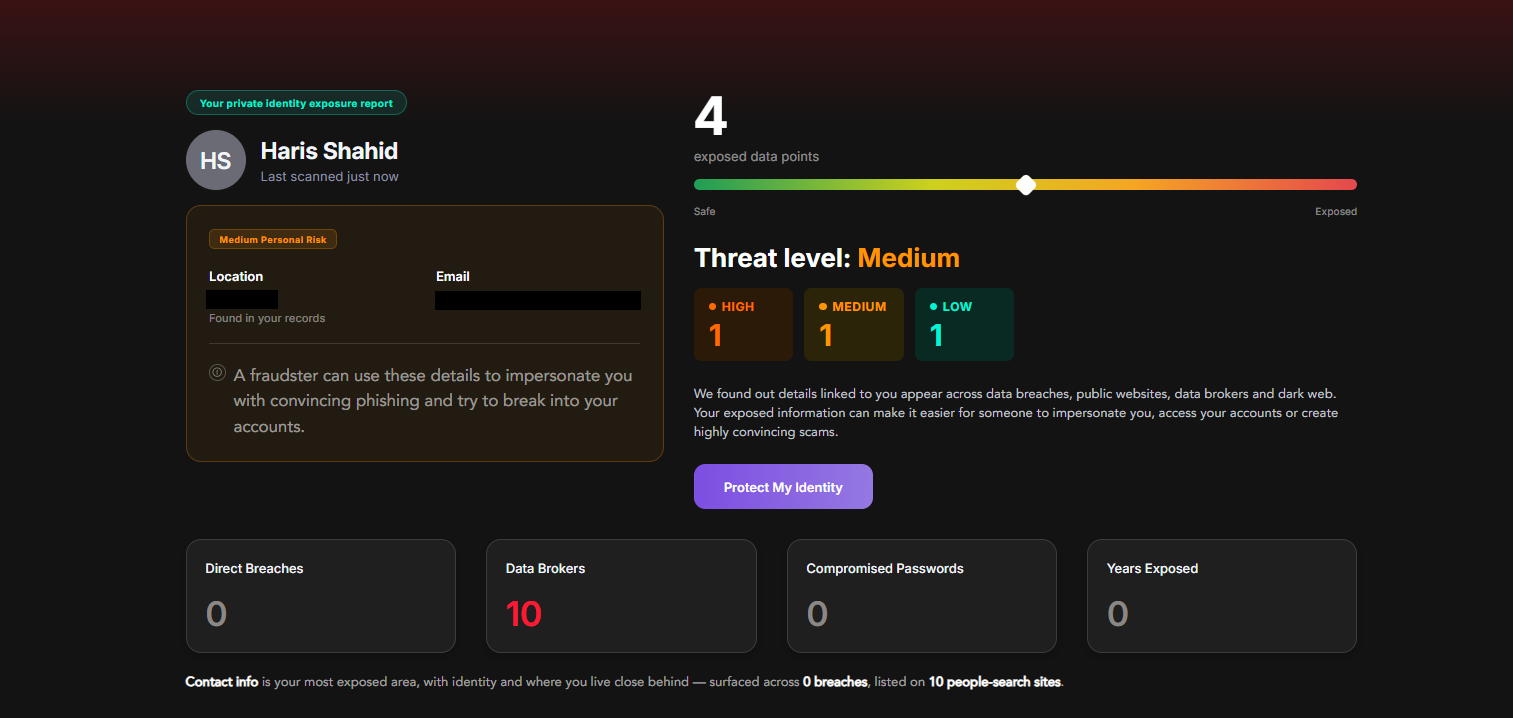
Once the deep scan is complete, PureVPN displays an exposure report showing what it found. The report includes the number of exposed data points, an overall threat level, and a breakdown of findings classified as high, medium, or low risk.
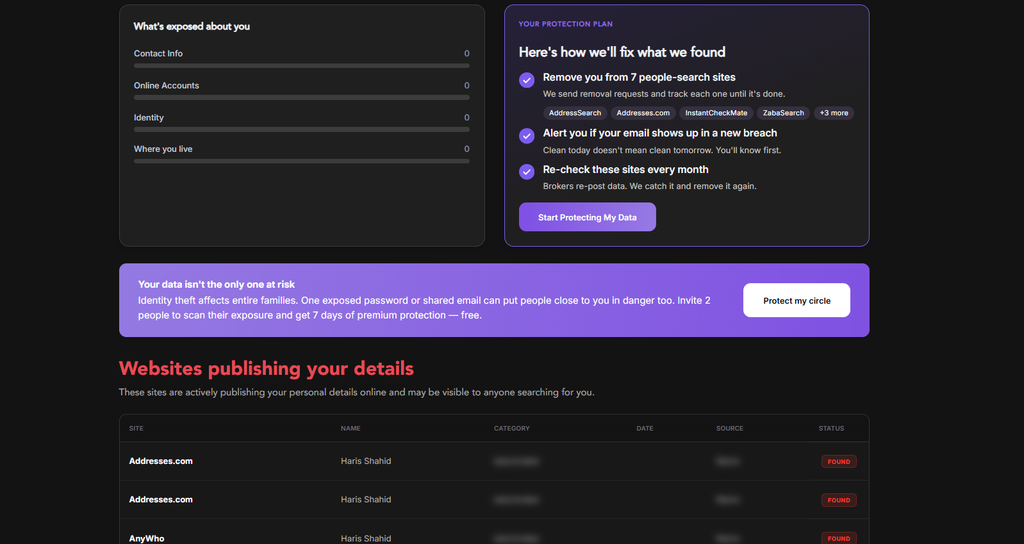
You can also see a summary of direct breaches, data broker listings, compromised passwords, and years exposed. Another part of the report groups findings into categories such as contact information, online accounts, identity, and where you live. The report also shows how much information was found under each category.
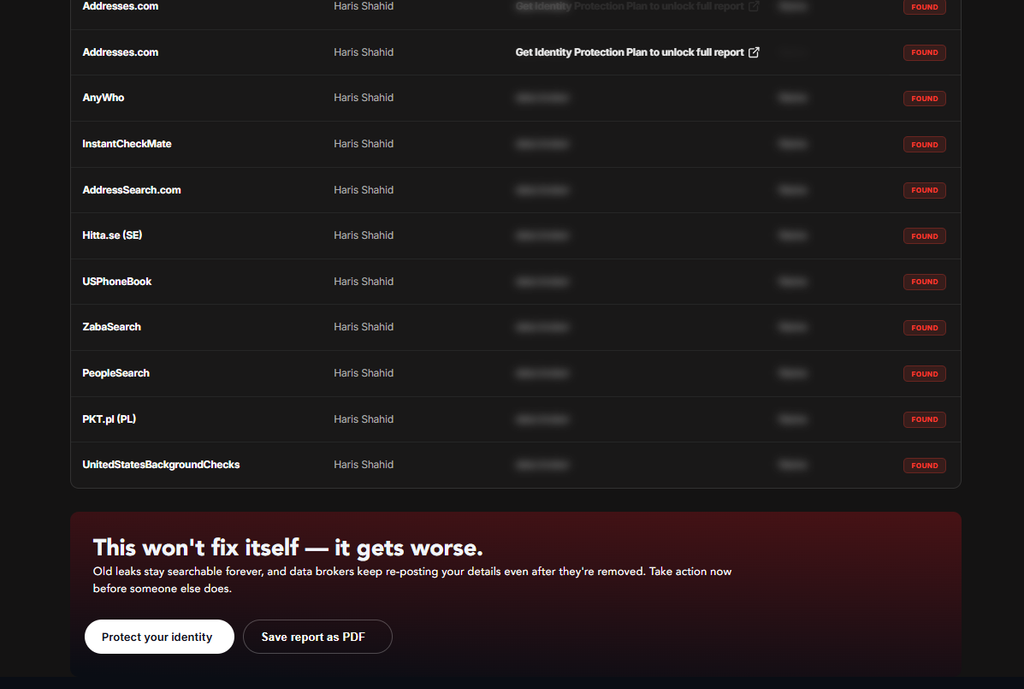
Further down, the report lists websites publishing your personal details, including people-search sites and data brokers. Each entry shows the website’s name and the status of the finding, along with other available details. However, some information is blurred in the free report.
Is PureVPN’s Email Scan Free?
The scan itself is free, including the deeper search. However, accessing the complete exposure report requires a paid Digital Privacy Protection (DPP) plan.
Besides unlocking restricted findings, the DPP plan includes Dark Web Monitoring, which checks for exposure of additional personal information, and Remove My Data, which helps request removal of your information from supported data brokers.
The free scan does not remove exposed information or activate ongoing monitoring. Those capabilities require a paid subscription.
Final Word
Knowing where your personal information has appeared can help you decide what to do next. PureVPN’s free email scan gives you an overview of potential exposure, while the DPP plan provides access to complete findings and additional identity protection tools.
Also Read: